Outcome
After this guide, players will know how to submit tile proof correctly so moderators can review it quickly and keep the board accurate.
Before you start
- You must be assigned to a team.
- The bingo must be live and accessible to you.
- Have an image ready that clearly shows the proof for the tile you completed.
Step by step
- Open your bingo workspace.
- Find the tile you want to submit progress for.
- Open the tile actions and choose the Upload Progress option.
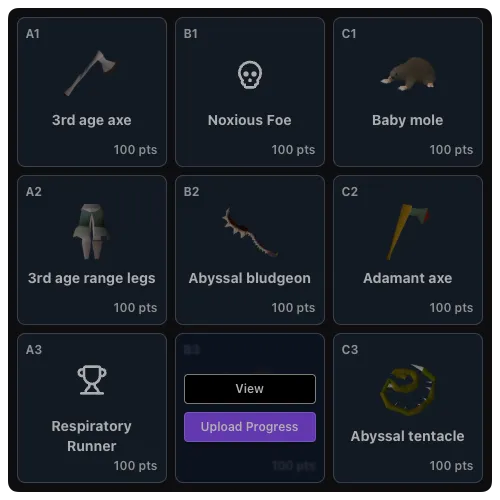
- Drag an image into the upload area or choose a file manually.
- Wait for the image upload to finish.
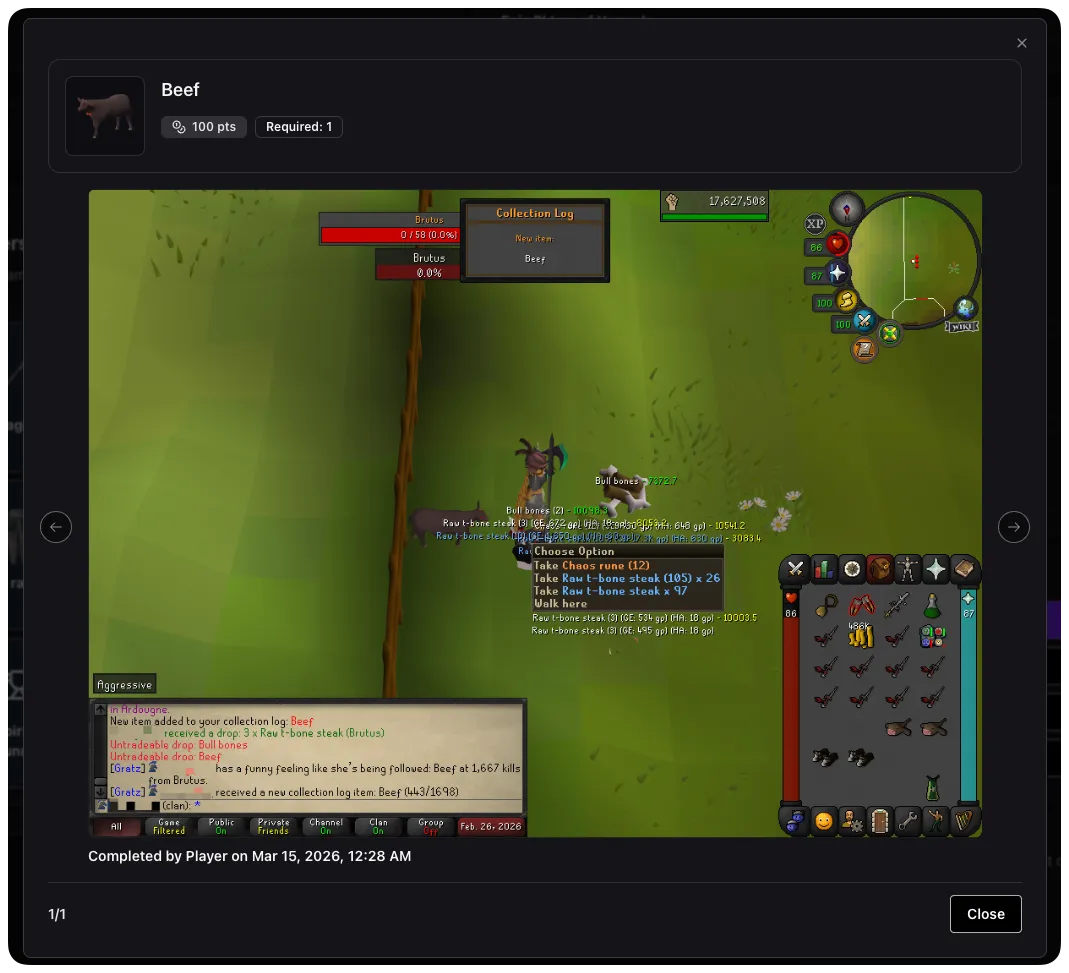
- Confirm the tile progress is displayed on the board and in the recent activity feed for your team.

What happens next
- Your submission enters the Review Queue for moderators.
- The tile can show pending proof before a moderator makes a decision.
- Once the proof is approved, the board and team standings update to reflect the approved progress.
Common gotchas
- You cannot submit tile progress until you are assigned to a team.
- If you want to submit progress through Discord, your Discord user must be linked to the correct bingo player. Generate a one-time code from the bingo’s Discord tab and run
/bingo join switch-player code:<code>if needed. - Use clear screenshots. A blurry or incomplete image usually slows down review or leads to rejection.
- The upload flow is image-based, so make sure the file is a supported image and small enough to upload successfully.
- Bounties use a similar flow, but they are reviewed as bounty submissions instead of standard tile progress.
- Images must be less than 5MB in size.
- Images should clearly show the bingo code either in the chat box or using the Clan Events Runelite plugin.