Outcome
After this guide, you will know how to start from Discord, open the web signup form, and link the correct player back to your Discord account so you can submit tile progress from Discord.
Before you start
- The bingo’s Discord server must already be connected by an organizer.
- Your organizer must have Discord registration enabled if you plan to open the signup form from Discord.
- You need an RNG Bingo account.
- If you already registered for the bingo on web, keep that player open in the app so you can generate your one-time code quickly.
Step 1: link your RNG Bingo account in Discord
- In the bingo’s Discord server, run
/bingo join start. - Open the secure login link from the bot.
- Sign in to RNG Bingo and finish the Discord account link.
- Return to Discord and run
/bingo join startagain if you want to confirm the account is now linked.
Step 2: open the signup form from Discord
- In Discord, run
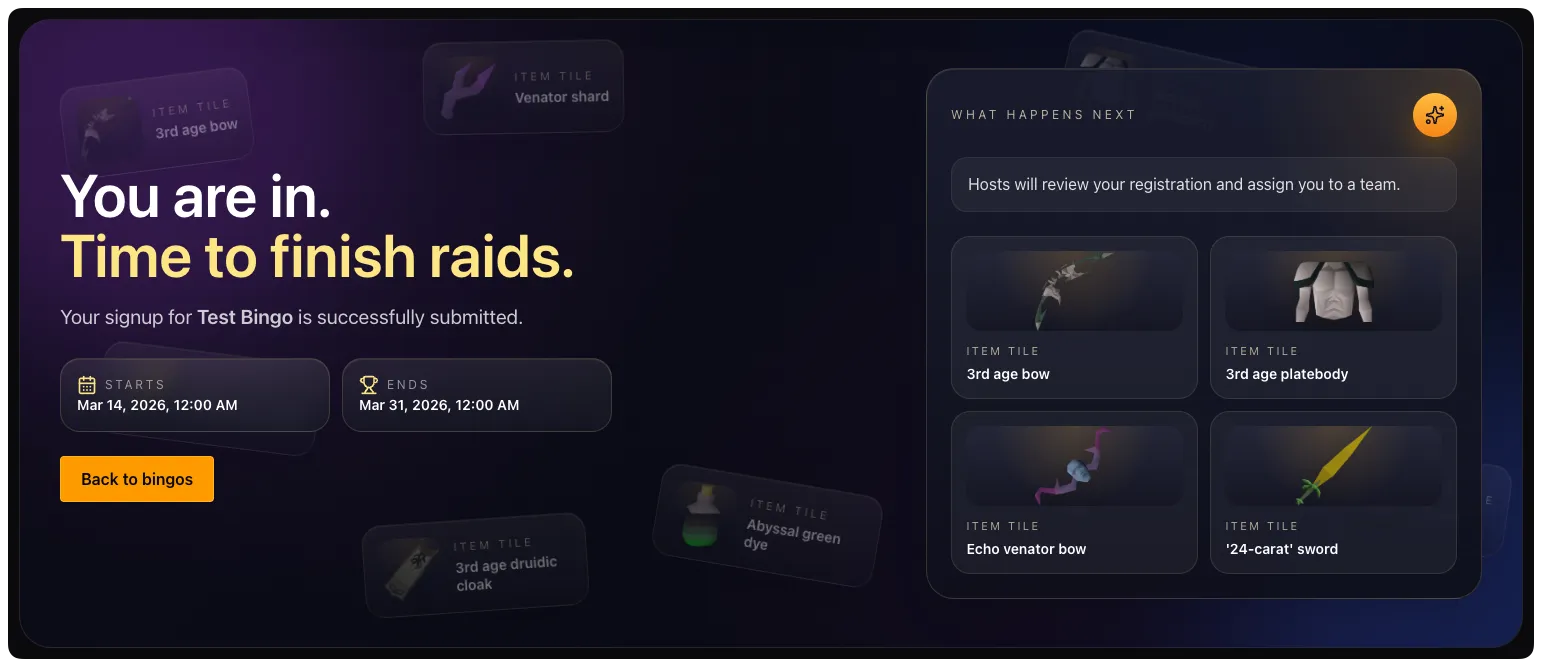
/bingo join signup. - Open the web form link returned by the bot.
- Review the bingo details and complete the registration form.
- Submit the form.
Step 3: link your Discord user to the correct bingo player
If you already had a player in the bingo before using the Discord flow, or if Discord still does not show the right player after signup, you need to claim that player with a one-time code.
- Open the bingo in the web app.
- Go to the Discord tab.
- In Discord Player Link Code, select Generate code.
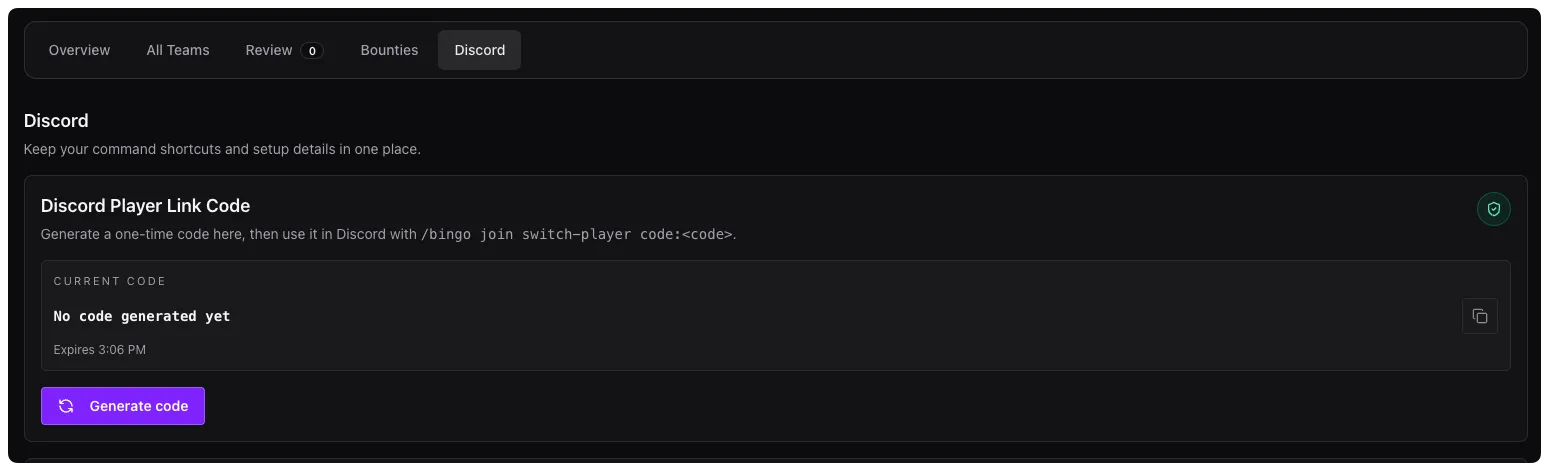
- Copy the code.
- Go back to Discord and run
/bingo join switch-player code:<code>. - Wait for the bot to confirm that your Discord user is linked to the correct player.
Why this step matters
- Your Discord account can be linked to your RNG Bingo account without being linked to the correct player in that bingo.
- If the player link is missing, you will not be able to submit tile progress through Discord.
- The one-time code safely tells the bot which bingo player belongs to you.
Quick checks before you submit through Discord
- Run
/bingo join startand make sure the bot shows your player instead ofNot linked to this bingo. - Make sure you are assigned to a team if the bingo requires team play.
- If the bot says your player is not linked, generate a fresh code from the Discord tab and run
/bingo join switch-player code:<code>again.
Common gotchas
/bingo join signupopens the web form, but it does not always finish the player link by itself for players who already registered another way.- Link codes are one-time codes. If one expires or has already been used, generate a new code from the web app.
- Linking your Discord account is separate from being assigned to a team.
- If signups are closed, the signup command can still point you to the bingo, but you may need a host to help if you have not registered yet.