Not every bingo board should look the same.
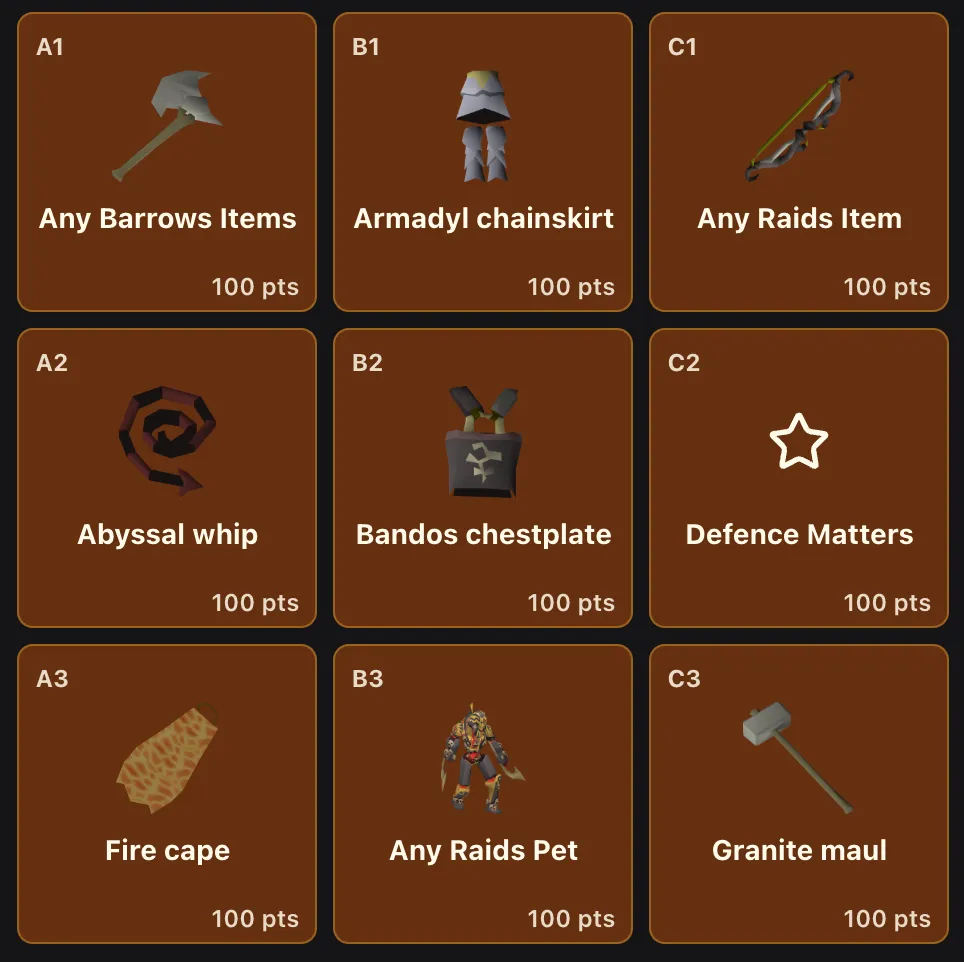
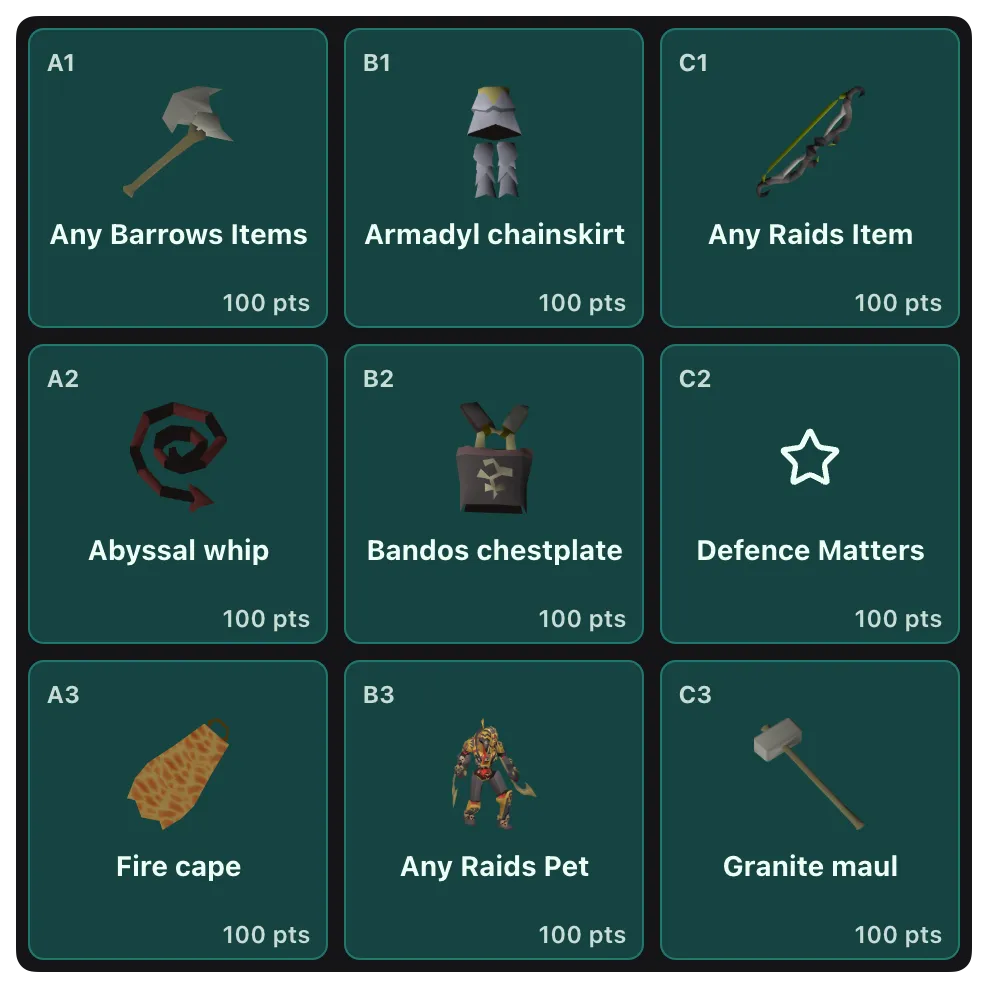
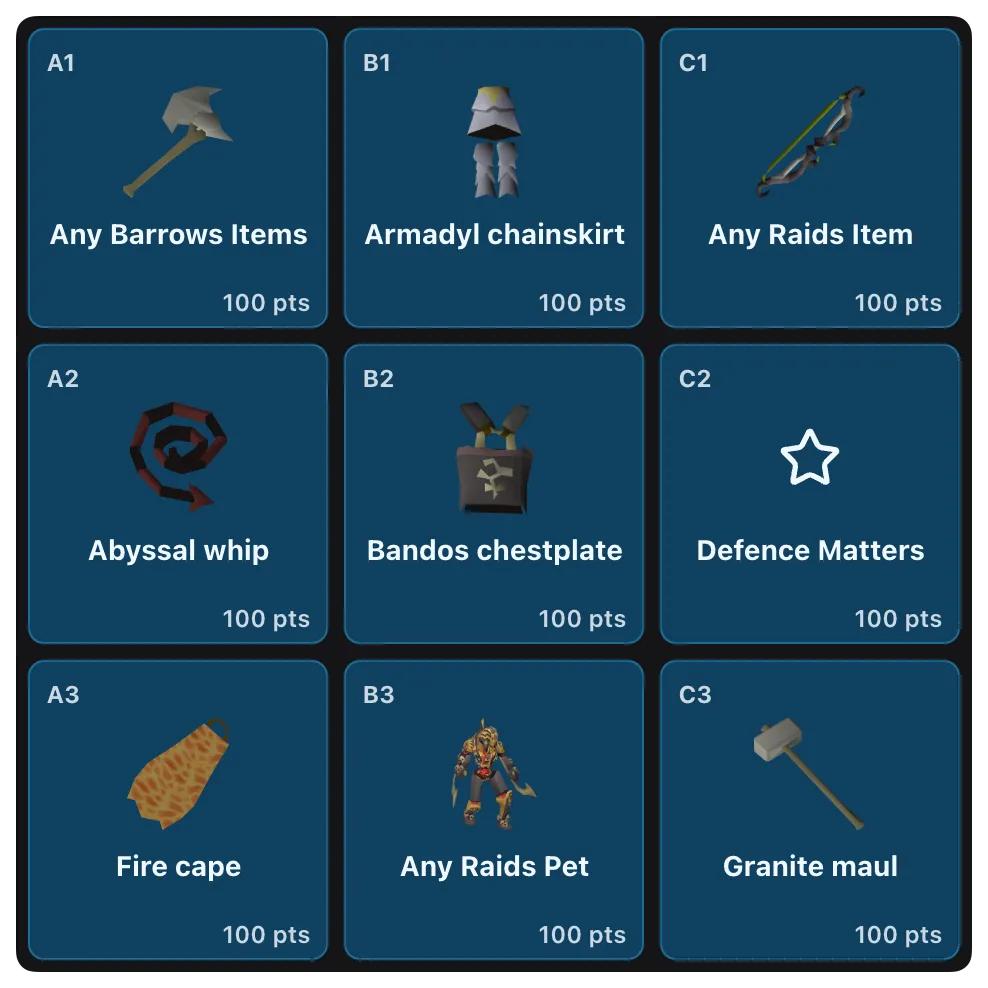
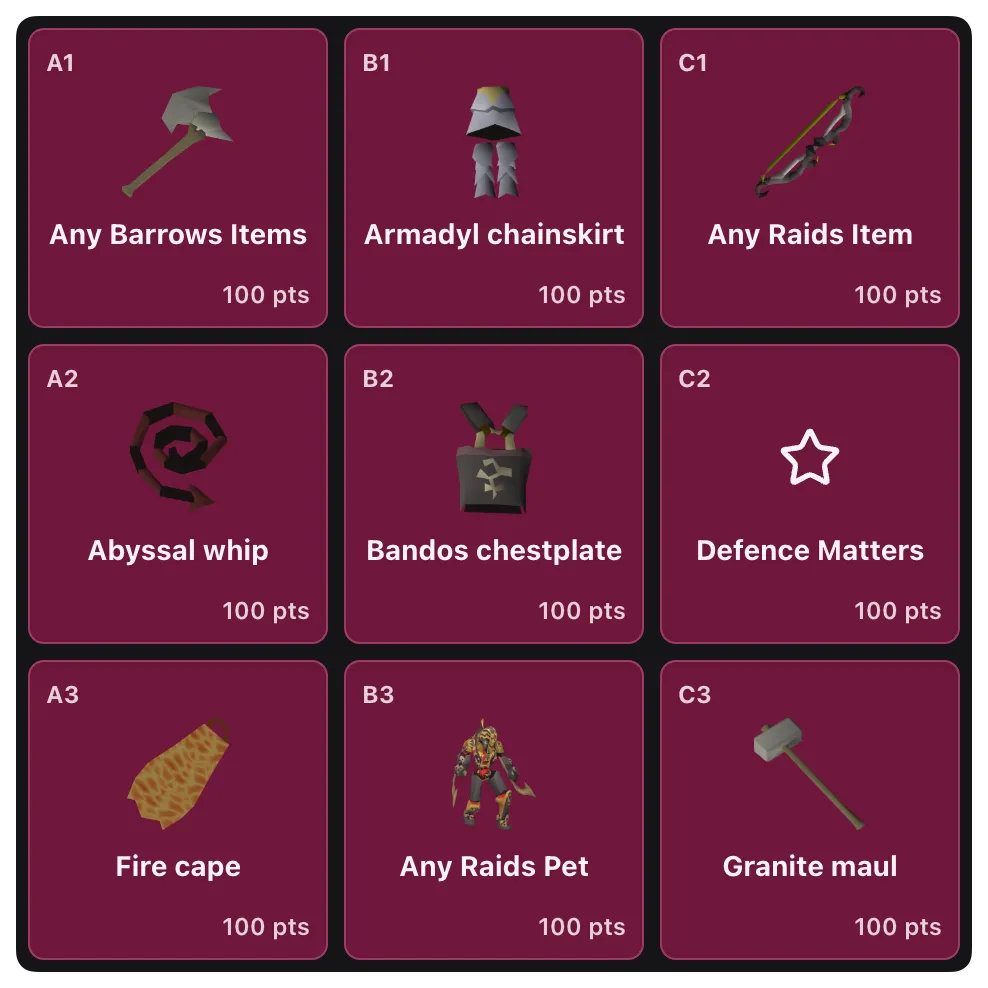
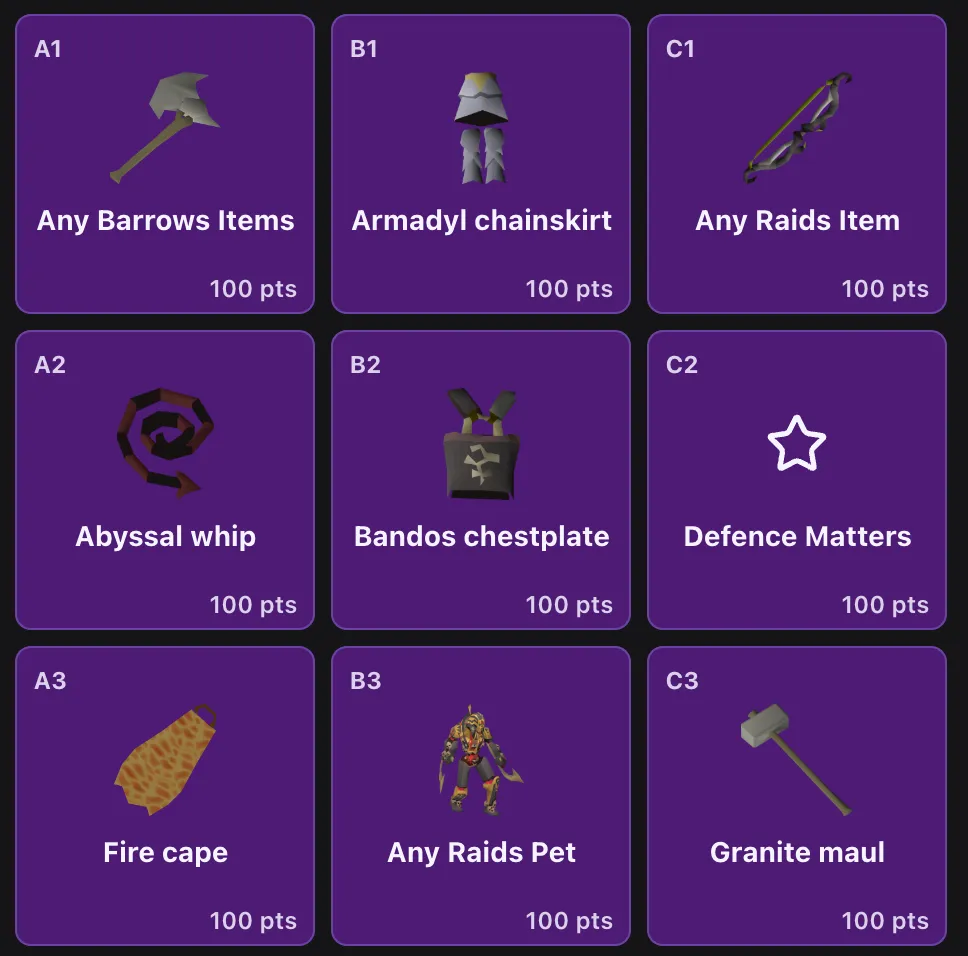
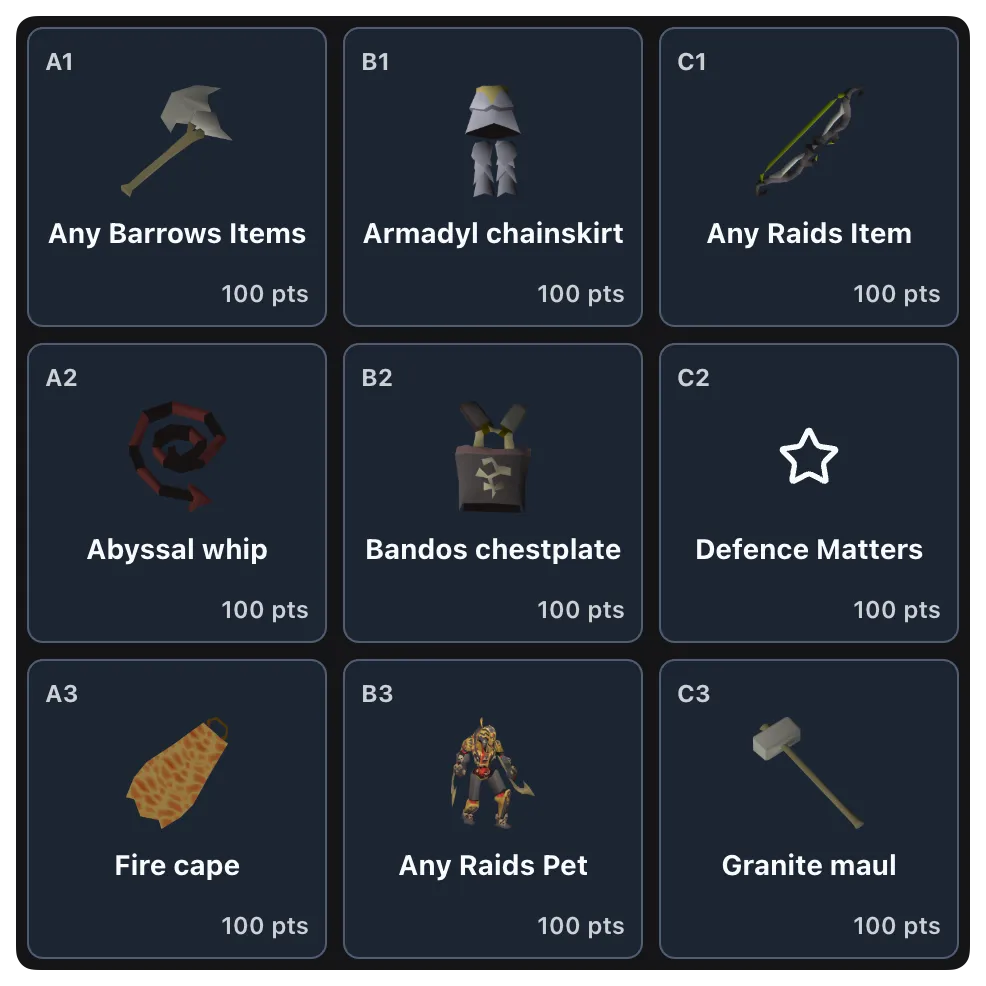
Board palettes give you a simple way to change the visual style of a board without changing the format of your event. You can now choose from a set of curated dark-safe palette options when creating or editing a bingo, so your board can better match your community, your event theme, or just your personal preference.
 |  |
 |  |
 |  |
What board palettes do
Board palettes change the color treatment of the board and its tiles while keeping the board structure, scoring, and moderation flow exactly the same.
That means you can refresh the look of an event without introducing extra setup complexity for hosts or extra learning curve for players.
Available palette options
You can currently choose from six palette options:
- Default
- Emerald
- Amber
- Sky
- Pink
- Purple
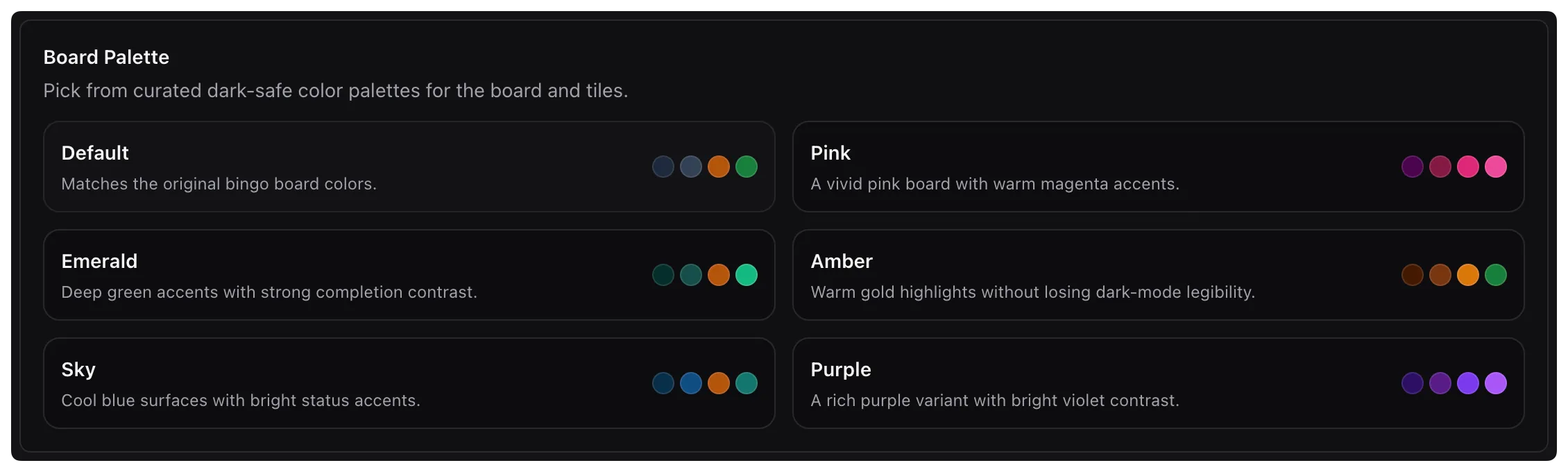
Each palette is designed for dark-mode readability, with distinct colors for the board background, idle tiles, in-progress tiles, and completed tiles.
Built into the bingo editor
You can pick a board palette directly from the bingo setup flow. Each option includes a quick preview so you can compare the overall board tone before you save.
This keeps customization close to the rest of your board setup instead of turning it into a separate design step.
The theme carries through the full board experience
Board palettes are not limited to the setup screen.
Once selected, the palette carries through the live board experience, including tile states and board exports. In practice, that means the board your players see and the board images you share stay visually consistent.
Safe defaults for existing events
Existing boards continue to use the default palette unless you choose a new one. New bingos also fall back to the default palette automatically if no palette is selected.
That keeps the feature additive. You get more control over presentation without needing to revisit older events or worry about unexpected visual changes.
Why we added it
Hosts spend a lot of time shaping the feel of an event. Board palettes are a small but meaningful way to make that easier.
Some communities want a cleaner board aesthetic. Some want a color theme that better fits the tone of a seasonal event or clan competition. This update gives you more room to personalize the experience while keeping the product familiar and easy to run.